Flying Club Invoice Automation
Client work. Replaced manual paper slip entry with AI-powered extraction — from 10 minutes per slip to 10 seconds.
Key Results
Client work. This note describes a delivered engagement. Results relate to this project and are not a forecast for another business.
The Problem
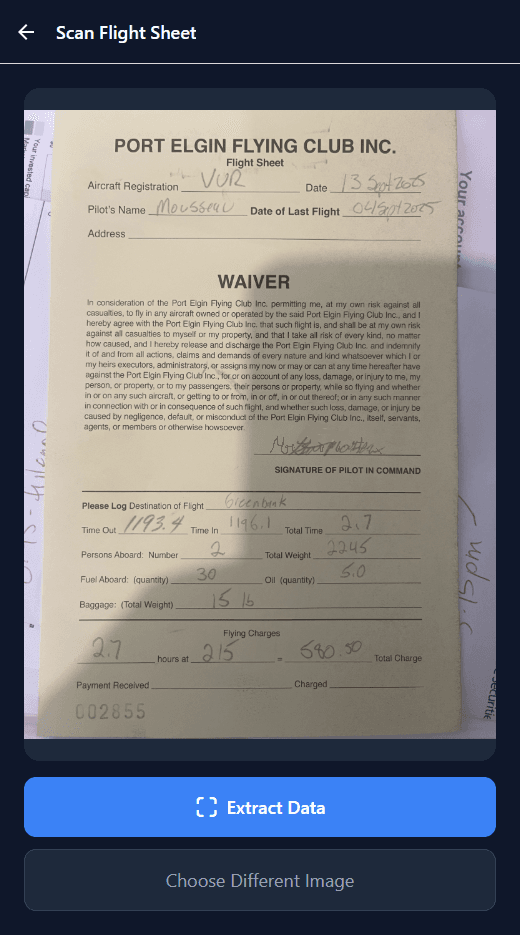
A small flying club treasurer was spending hours each month manually transcribing paper flight slips into Quicken for invoicing. Each slip contained handwritten pilot names, Hobbs meter readings, destinations, and charges. Every slip meant:
- Squinting at handwriting
- Calculating flight time (Hobbs out → Hobbs in)
- Multiplying by hourly rate
- Manually typing into accounting software
With 30-50 flights per month, this meant 5-10 hours of tedious data entry. Time the volunteer treasurer didn't have.
Pain points
- Handwritten data: Varied penmanship, sometimes illegible
- Manual calculations: Easy to make arithmetic errors
- No digital trail: Paper slips get lost, damaged, or misfiled
- Context switching: Jumping between paper, calculator, and software
The Intervention
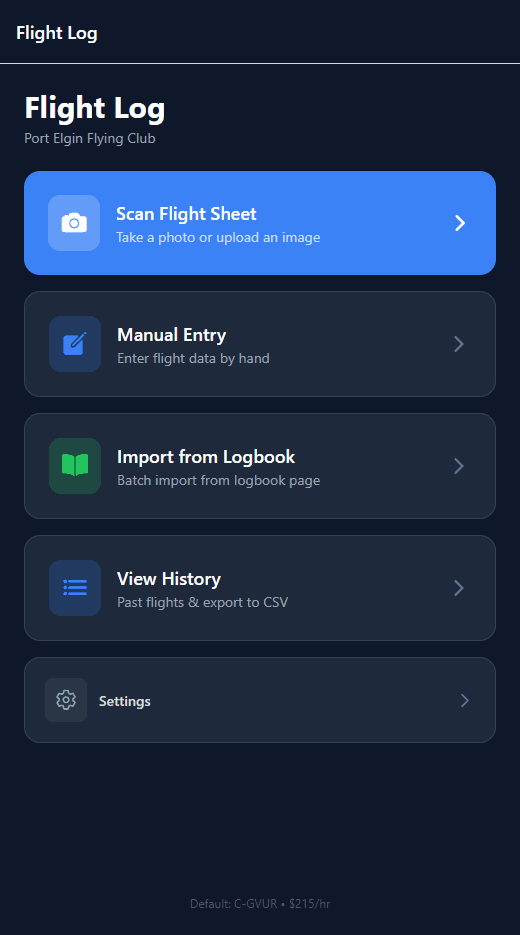
We built a mobile-first app that lets the treasurer snap a photo of a flight slip and get structured data back instantly.
How it works
- Snap or upload: Take a photo or drag-and-drop on desktop
- AI extraction: Vision model reads all fields (pilot, aircraft, times, route)
- Review & edit: Verify extracted data, fix any errors
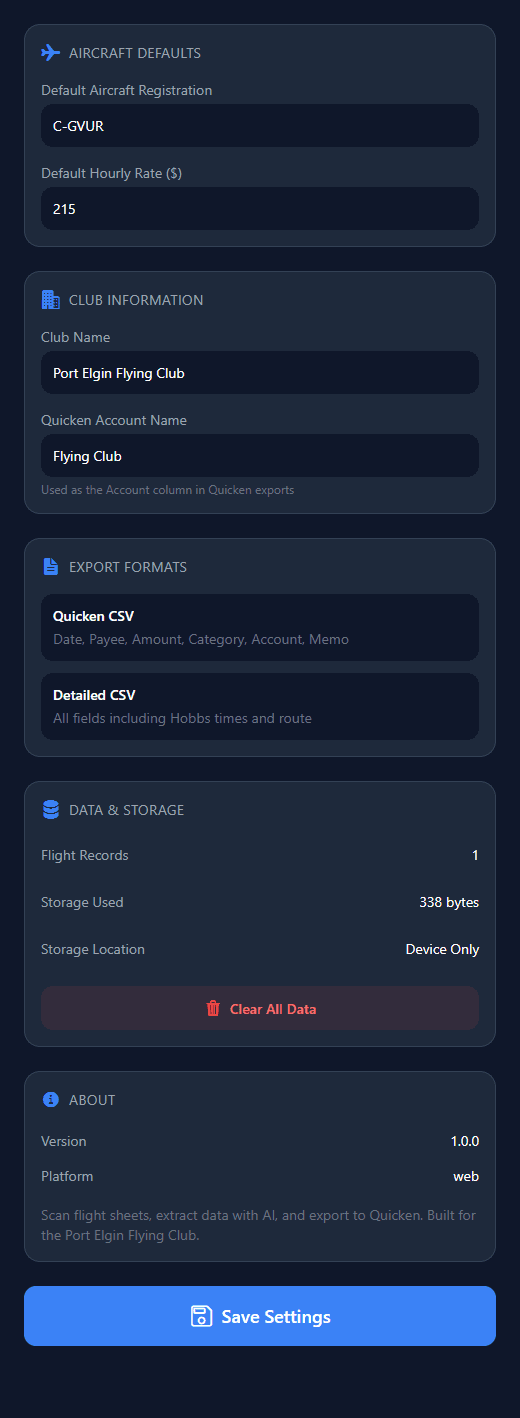
- Export to Quicken: One-click CSV export in the exact format Quicken expects
Key insight: Train the model where to look
During testing, the AI grabbed the wrong "name" field. It found the signature line instead of the pilot name. That surfaced three things that mattered:
- Field-specific prompts: Tell the model exactly what to look for and where
- Negative examples: "Don't extract from the signature line"
- Validation rules: Pilot name should match known member list
Architecture
Photo → Vision AI → Structured JSON → Review UI → Quicken CSV
          ↓              ↓
    GPT-5/Gemini   Field validation
Stack
- App: React Native + Expo (web, iOS, Android)
- AI: GPT-5 Vision, Gemini 3.1 as fallback
- Backend: Supabase Edge Functions
- Export: Quicken-compatible CSV format

The Outcome
Before → After:
- Time per slip: 10 minutes → 10 seconds
- Monthly time: 5-10 hours → 15-30 minutes
- Error rate: ~5% (calculation mistakes) → under 1%
- Data retention: Paper in a box → Searchable digital history
Unexpected benefits
- Historical analysis: "Who flew the most this year?"
- Faster reconciliation: Match slips to payments instantly
- Member self-service: Pilots could eventually log their own flights
Key Learnings
- Start with the export format: We built backward from Quicken's CSV spec, ensuring perfect compatibility
- Handwriting varies wildly: Multi-model approach (try GPT-5, fall back to Gemini) handles edge cases
- Human review is a feature: 95% accuracy + quick human verification beats 99% accuracy that takes 10x longer
- Small clubs have big problems: Volunteer-run organizations desperately need automation
*Ongoing cost is approximately $0.02-0.05 per slip for AI API calls.
Engagement type: Agent Prototype → Production app
Timeline: 1 week from concept to working app
Demo: flight-log-psi.vercel.app